
Invoice Approval Engine
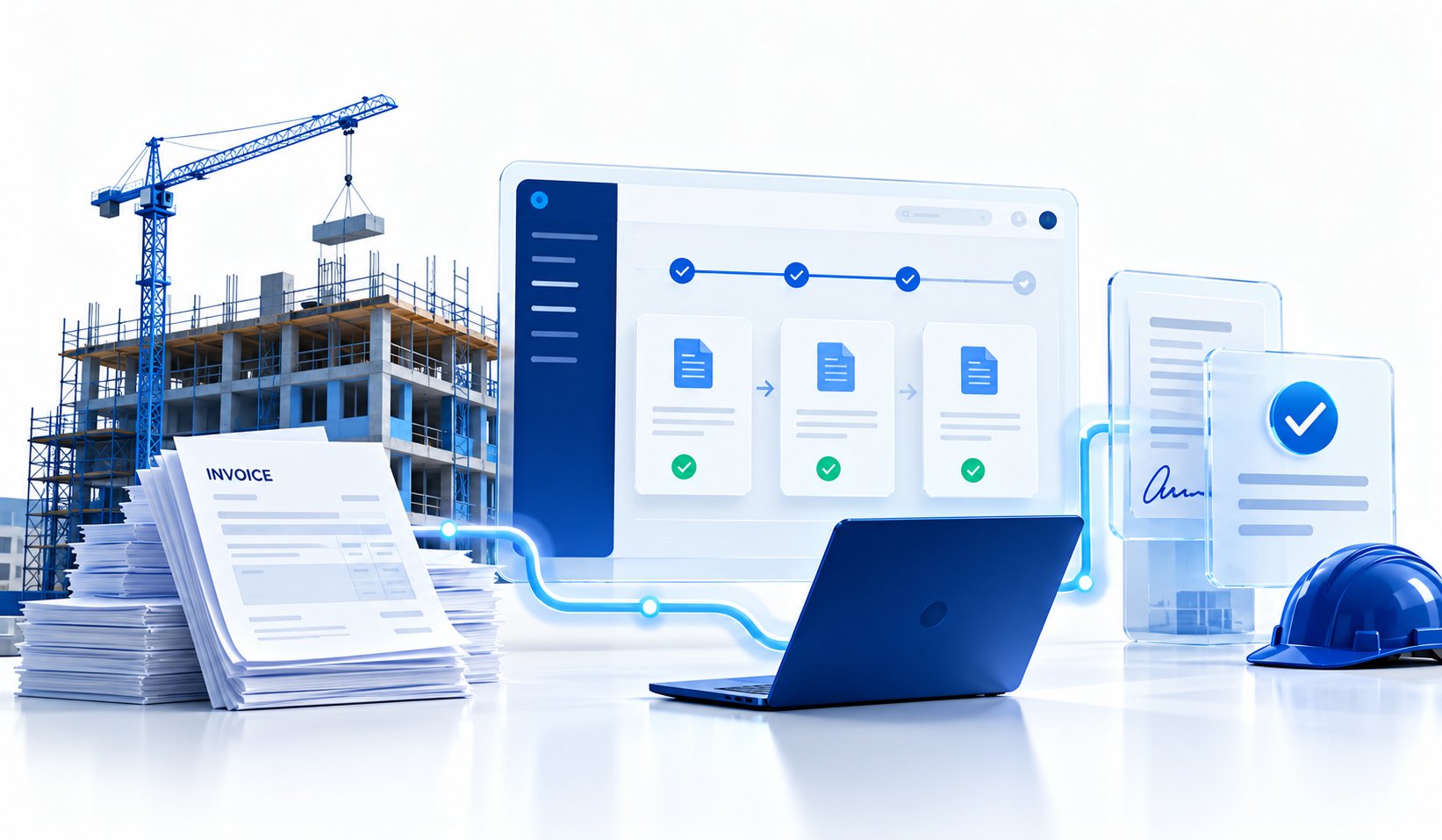
Supplier invoices arriving by email are read, checked, logged in Salesforce, and sent for approval automatically.
The Challenge
The accounts payable team received supplier invoices as email attachments and uploads, then typed the details into Salesforce by hand before chasing the right people for approval.
It was slow, it was easy to enter the same invoice twice, and nobody could see at a glance where an invoice was in the approval process.
What We Built
We built an automated invoice pipeline with n8n, connected to the company's Salesforce and Microsoft Office setup.
Invoices are picked up as soon as they arrive, the key details are pulled out and checked, and a Salesforce record is created without anyone retyping it. The invoice is then routed to the right approver, and its status is tracked until it is approved.
How It Works
- Invoices are captured automatically from email and uploads.
- The invoice details are extracted and validated.
- A matching record is created in Salesforce.
- Duplicates are caught before they are entered.
- The invoice is routed to the right person for approval, and its status is tracked.
The Results
- Much less manual data entry for the accounts payable team.
- More accurate invoice records, with duplicate invoices stopped before they get in.
- A clear view of where every invoice is in the approval process.
Could your team use this?
Get a free AI & Operations Audit. We'll show you what to automate first and what it would cost.
Get Your Free AI Audit